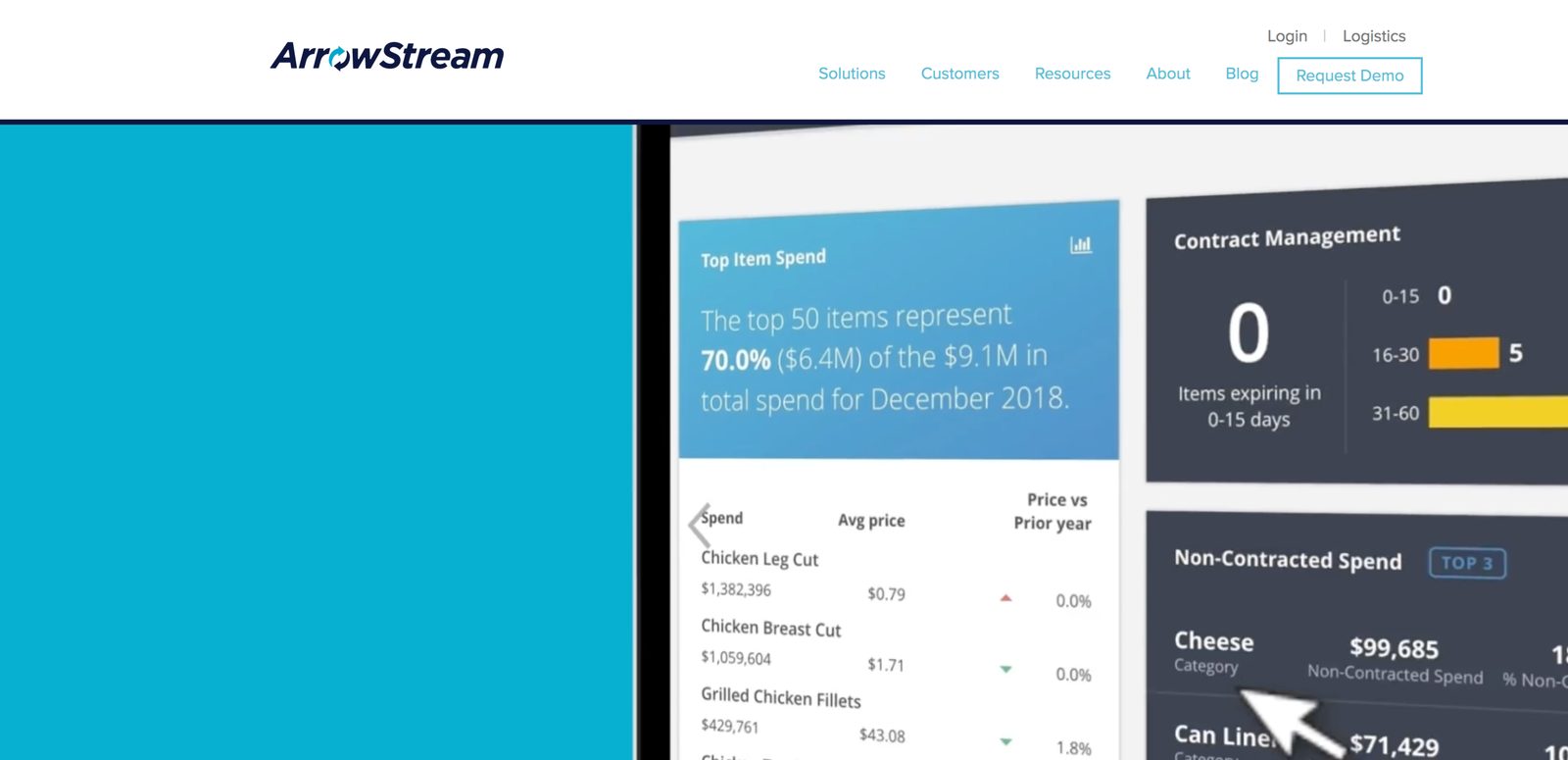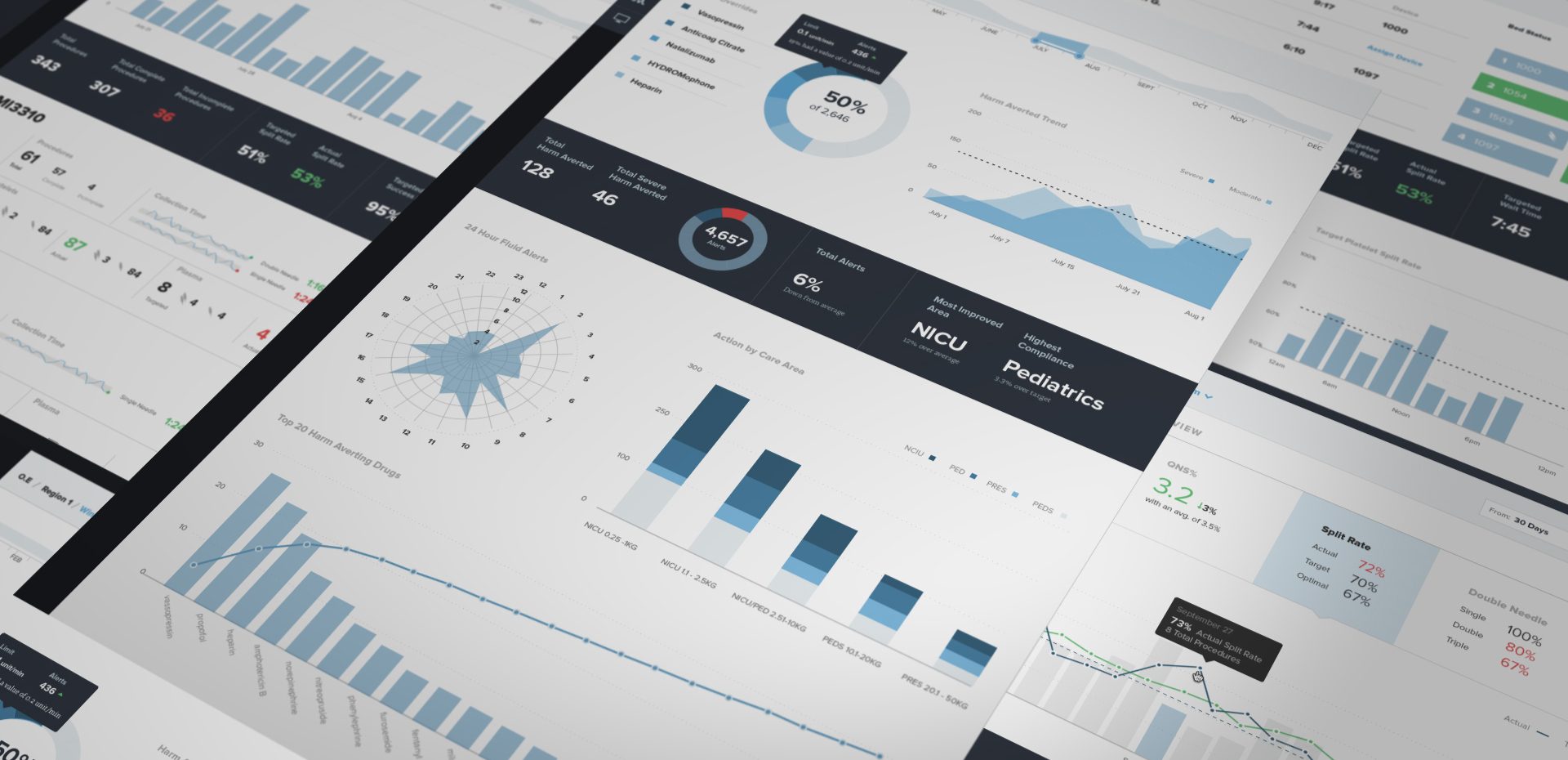
01 · Discover
Dropped in the deep end
We had the luxury of a multi-day, hands-on discovery workshop. The creative director and I ran group sessions to understand the system, its users, the stakeholders and the business goals. Then we distilled what we heard into design principles and value propositions that kept the design accountable.
3
days of discovery
4
empathy & design sessions
14
user interviews
5
software deep dives
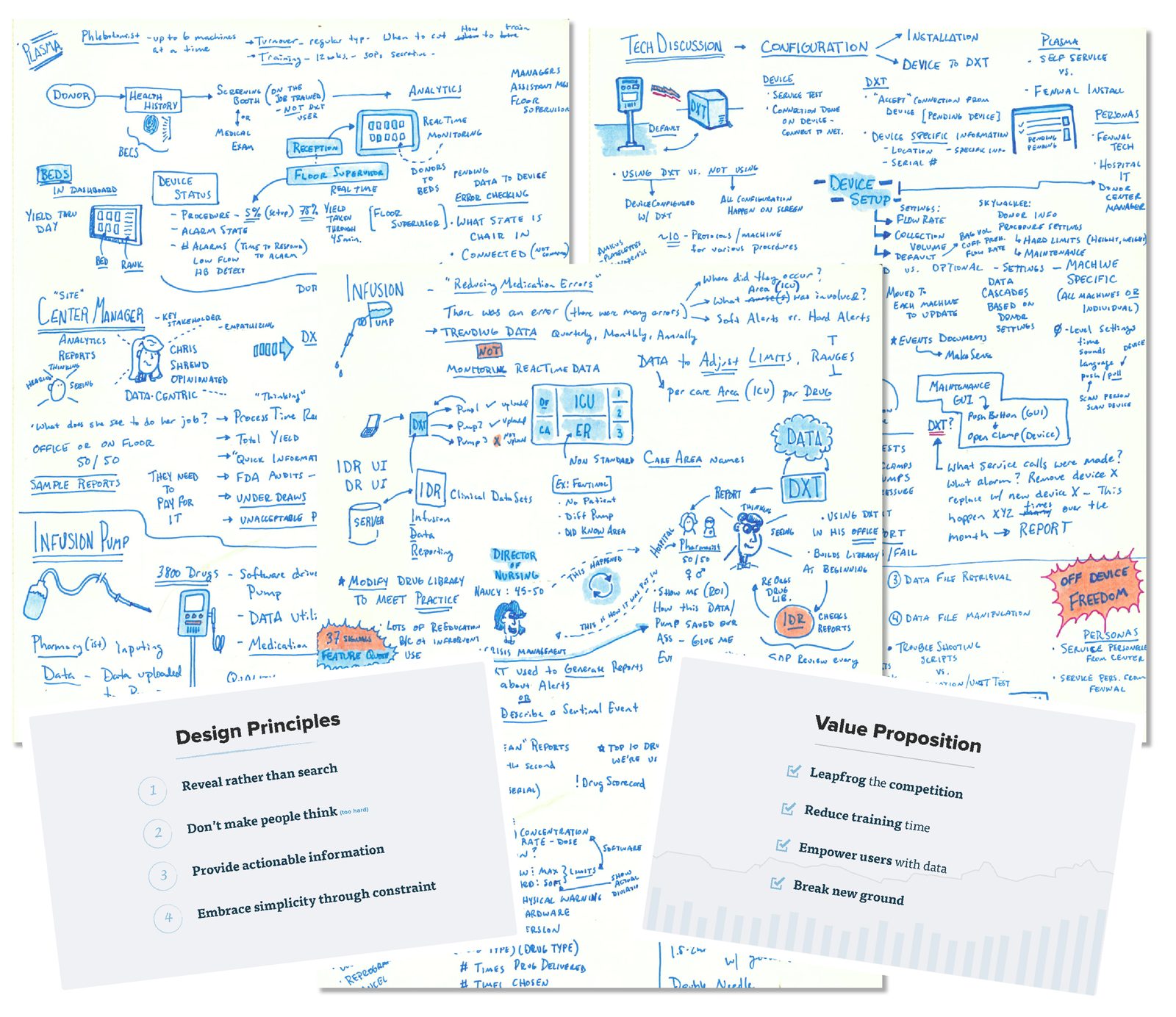
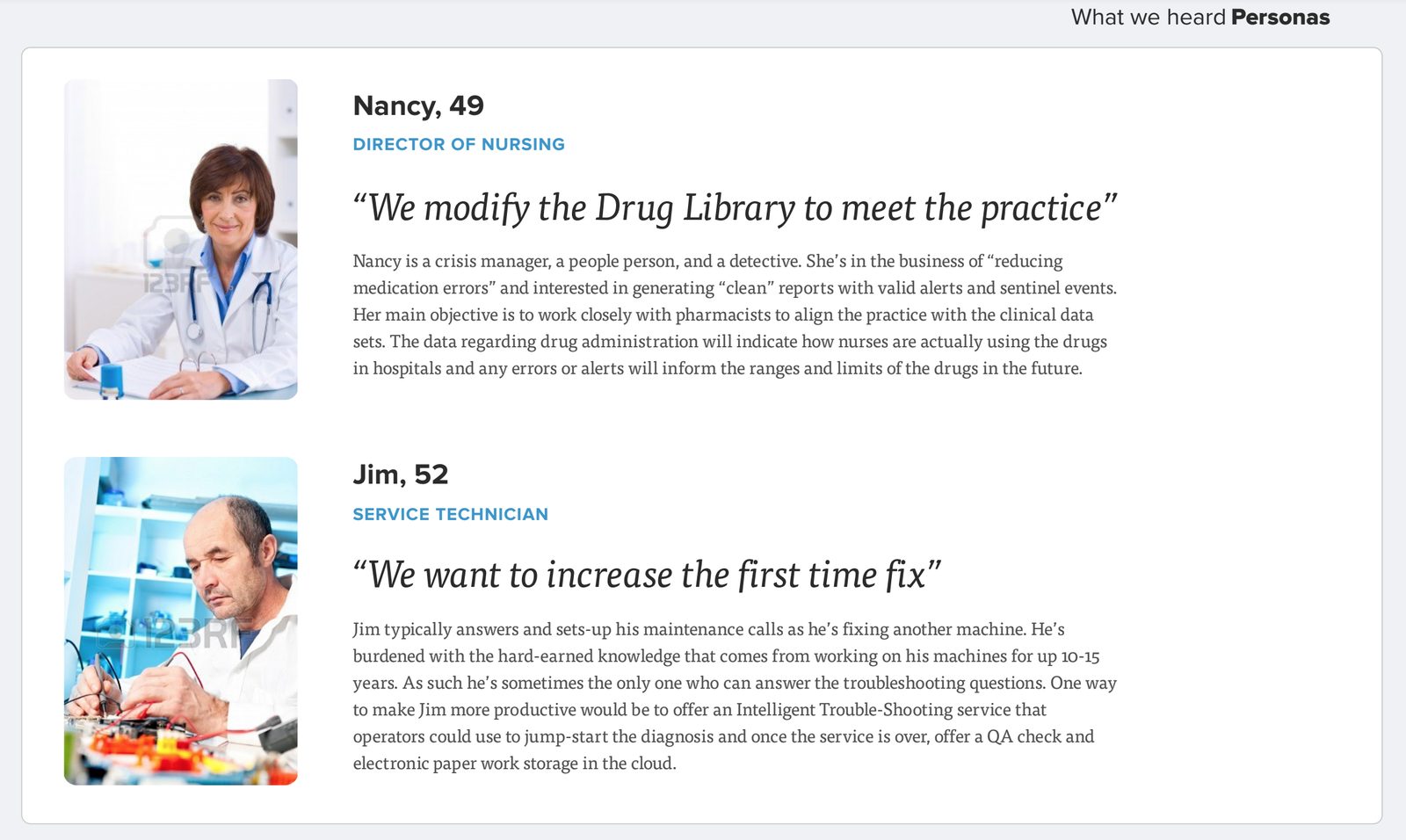
“We modify the Drug Library to meet the practice.”
02 · Make sense
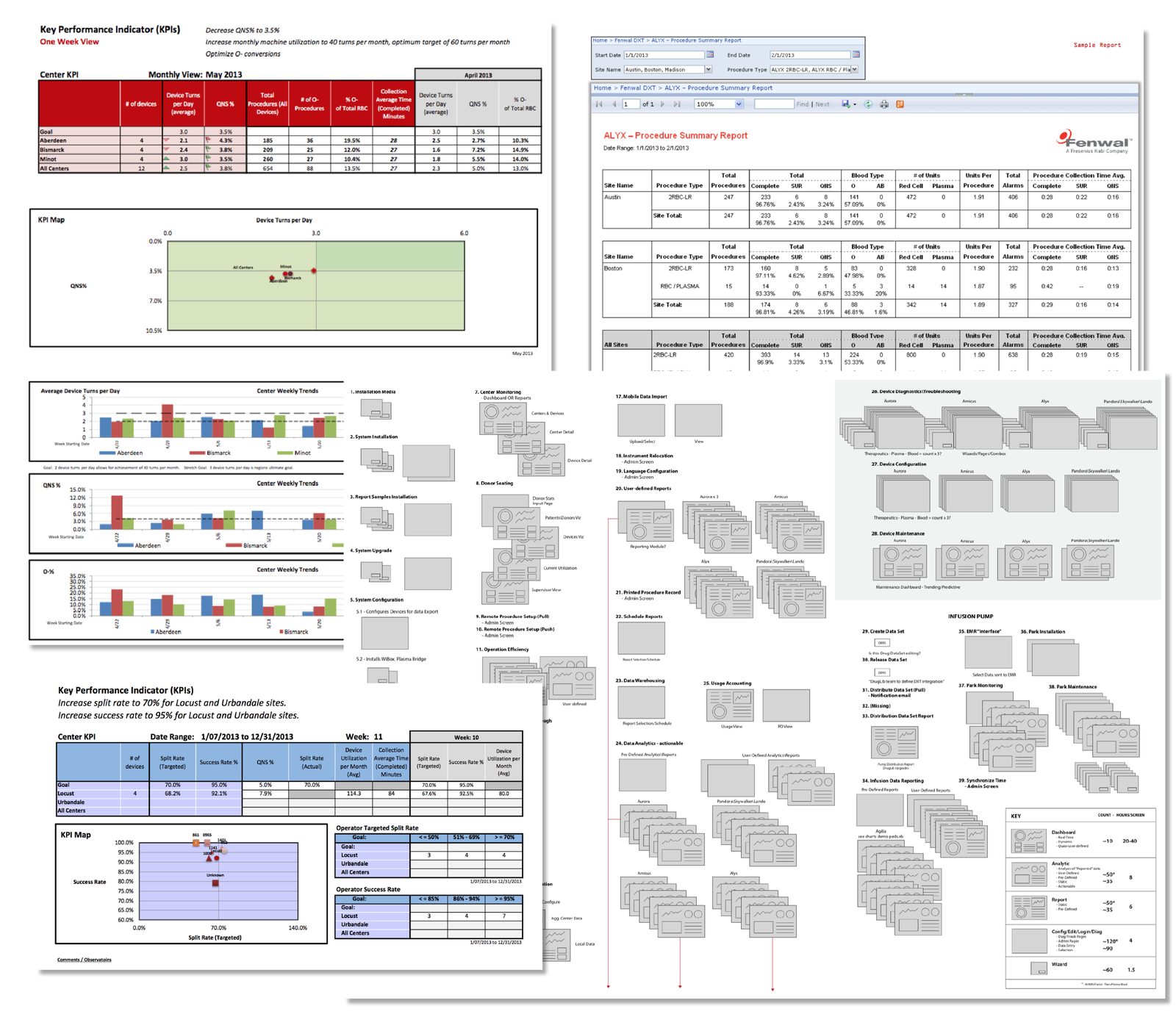
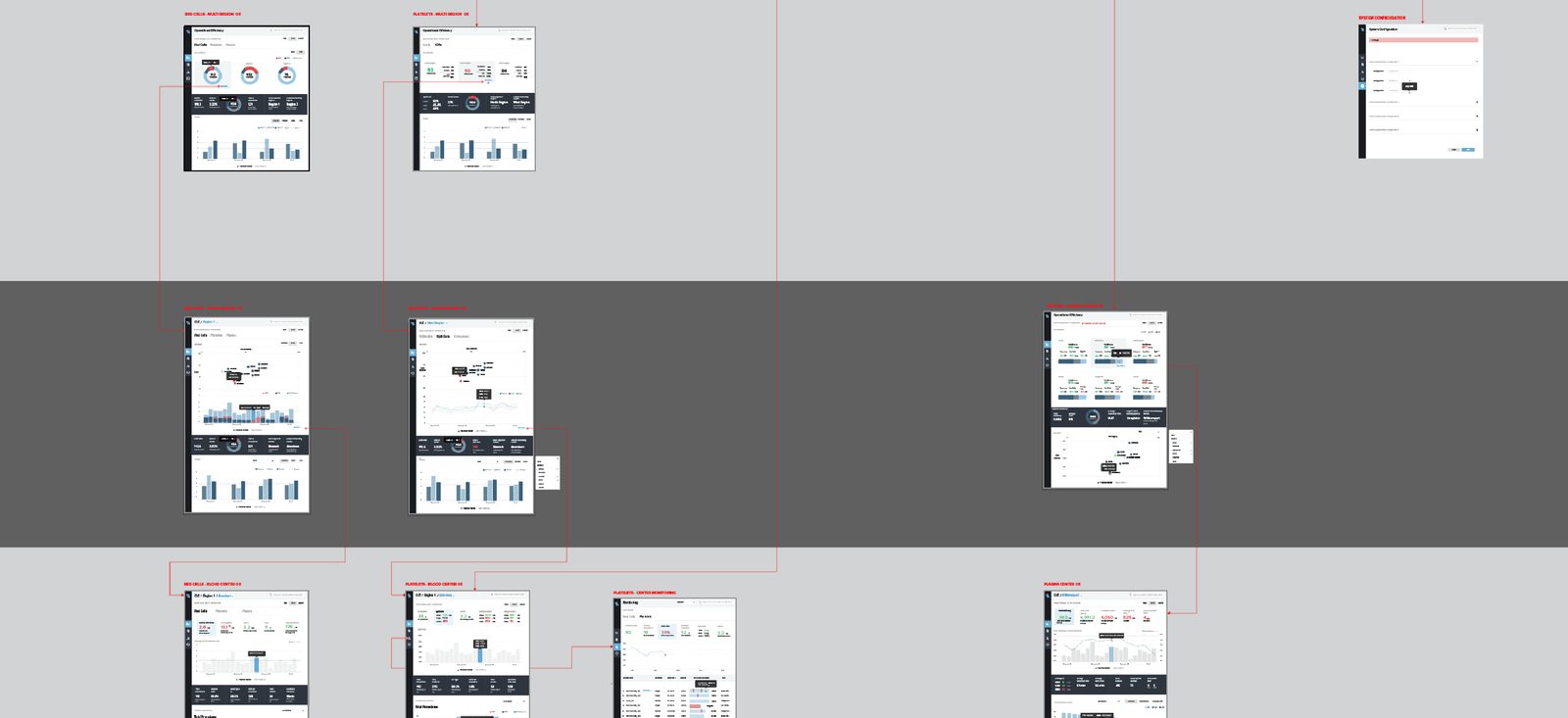
Mapping the whole system, screen by screen
1,648
screens mapped and organized
One of the most complex systems I had worked on. To get my head around it I visualized all of it, screen by screen, building a product inventory we could keep circling back to with stakeholders. It exposed:
- Software entry points
- Redundancies
- Opportunities for visualizations
03 · Design
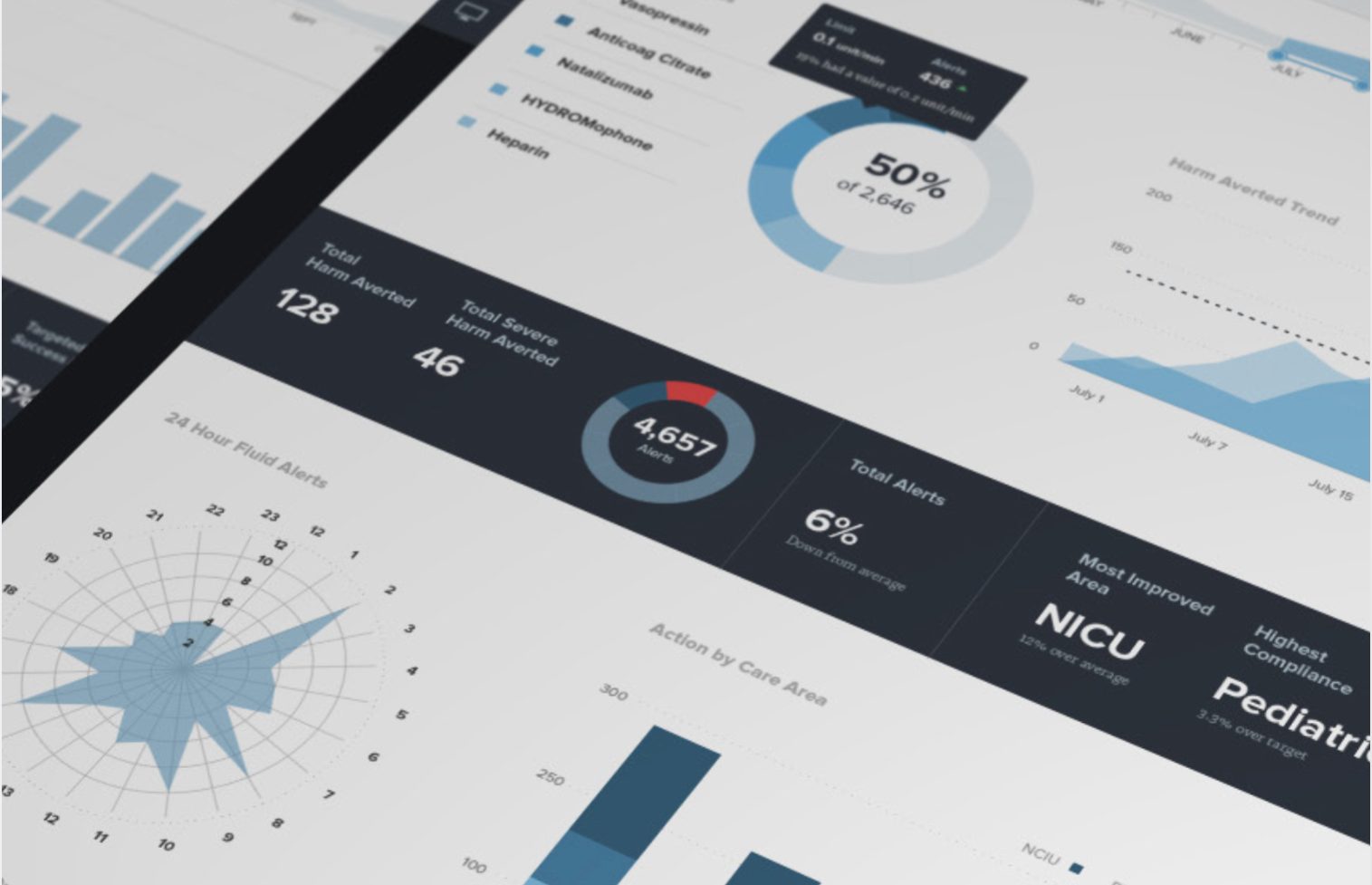
From spreadsheets to visual answers
Before
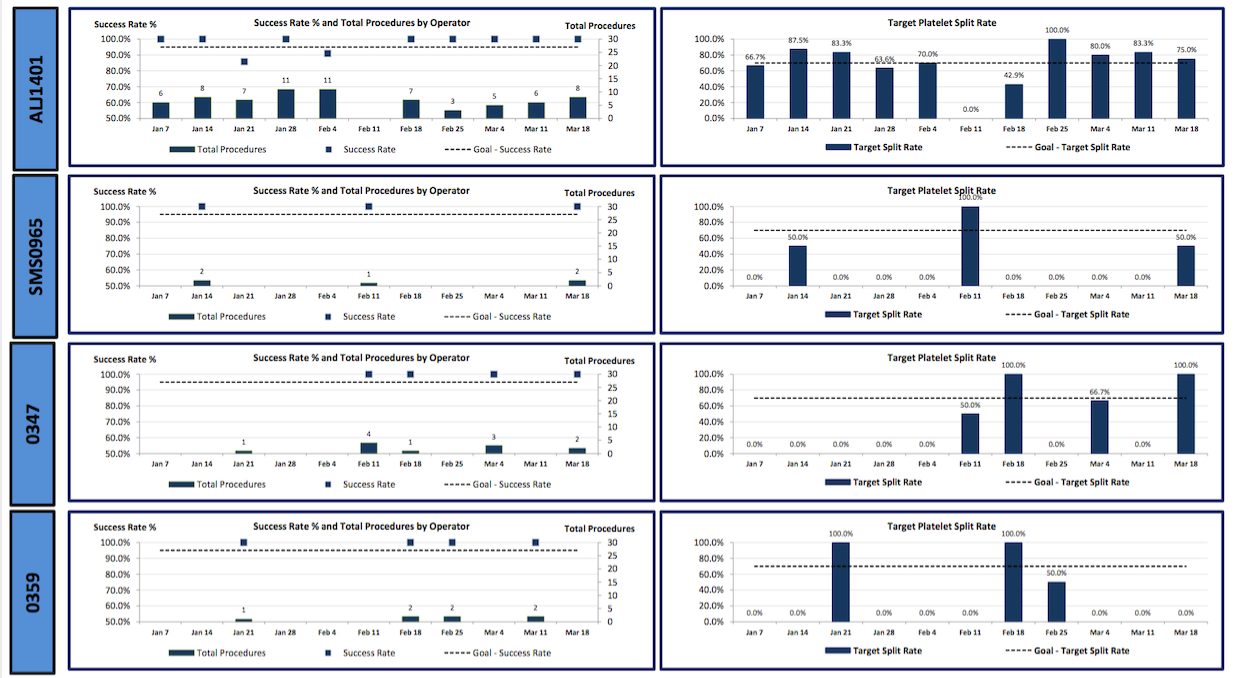
After
Simple screens first
Once the data made sense I organized it into very simple screens that became starting points for user interviews and design sessions. They began in Illustrator, moved to Sketch and Figma, and finished as HTML and JavaScript.
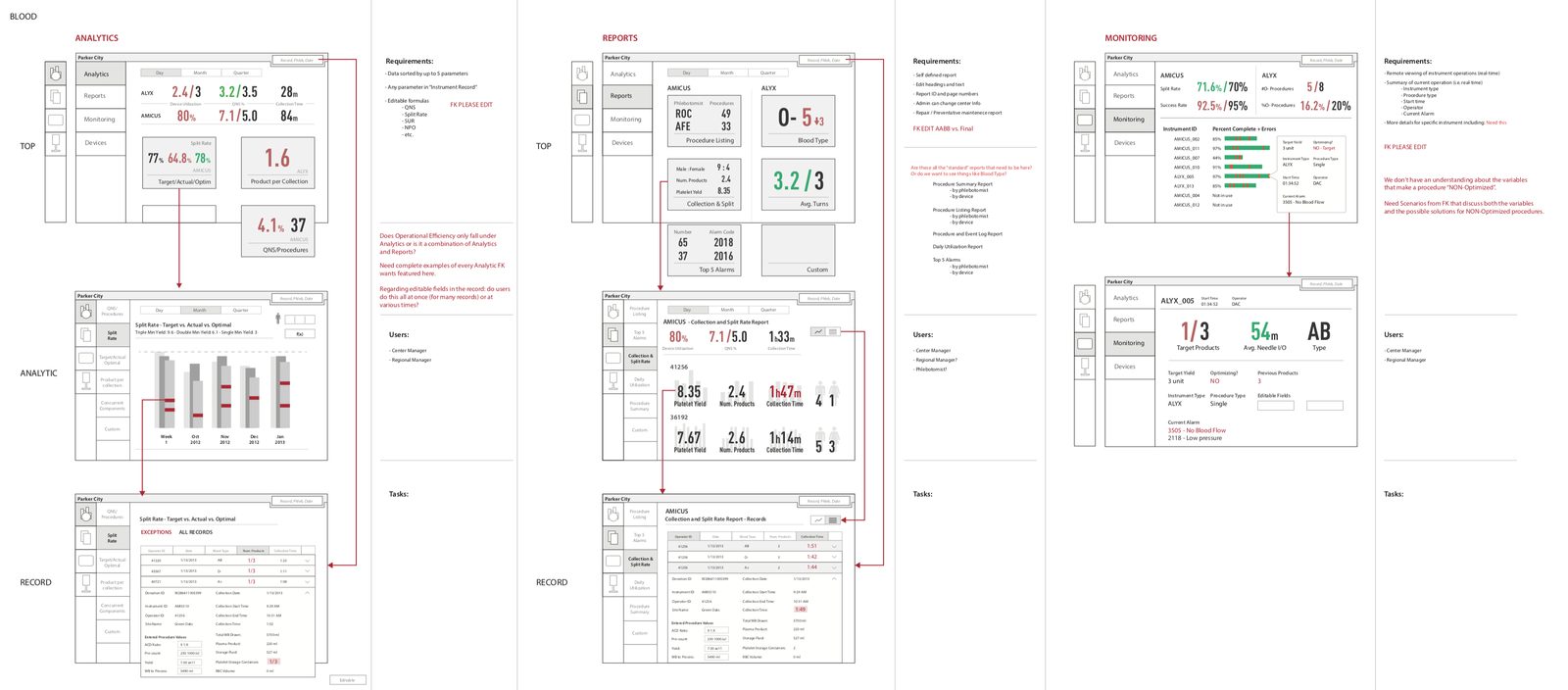
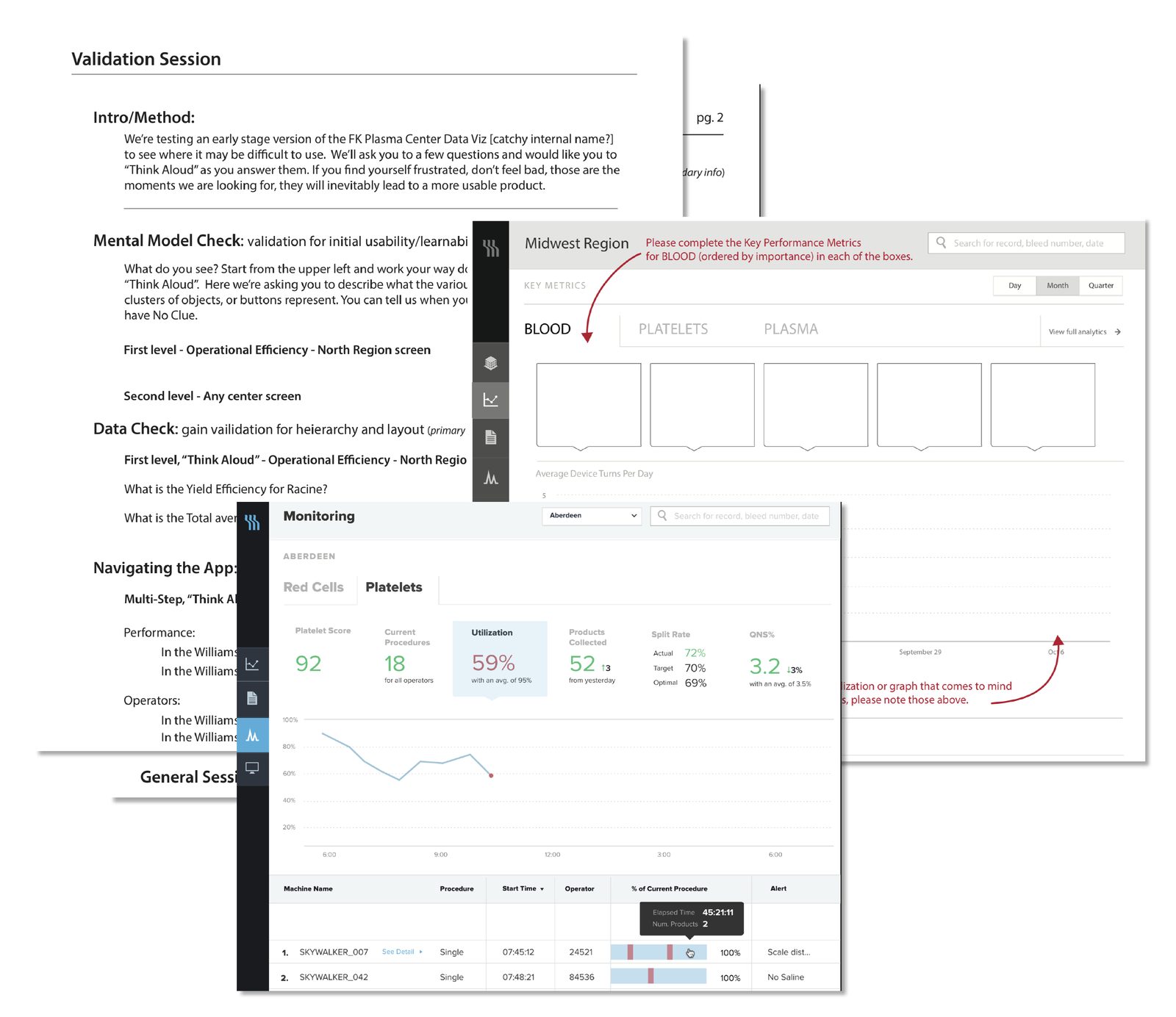
Validation sessions
Working through the wires with targeted users and stakeholders, I built templates to flesh out the complex visualizations and to check mental models, data and navigation before anything was polished.
04 · Test
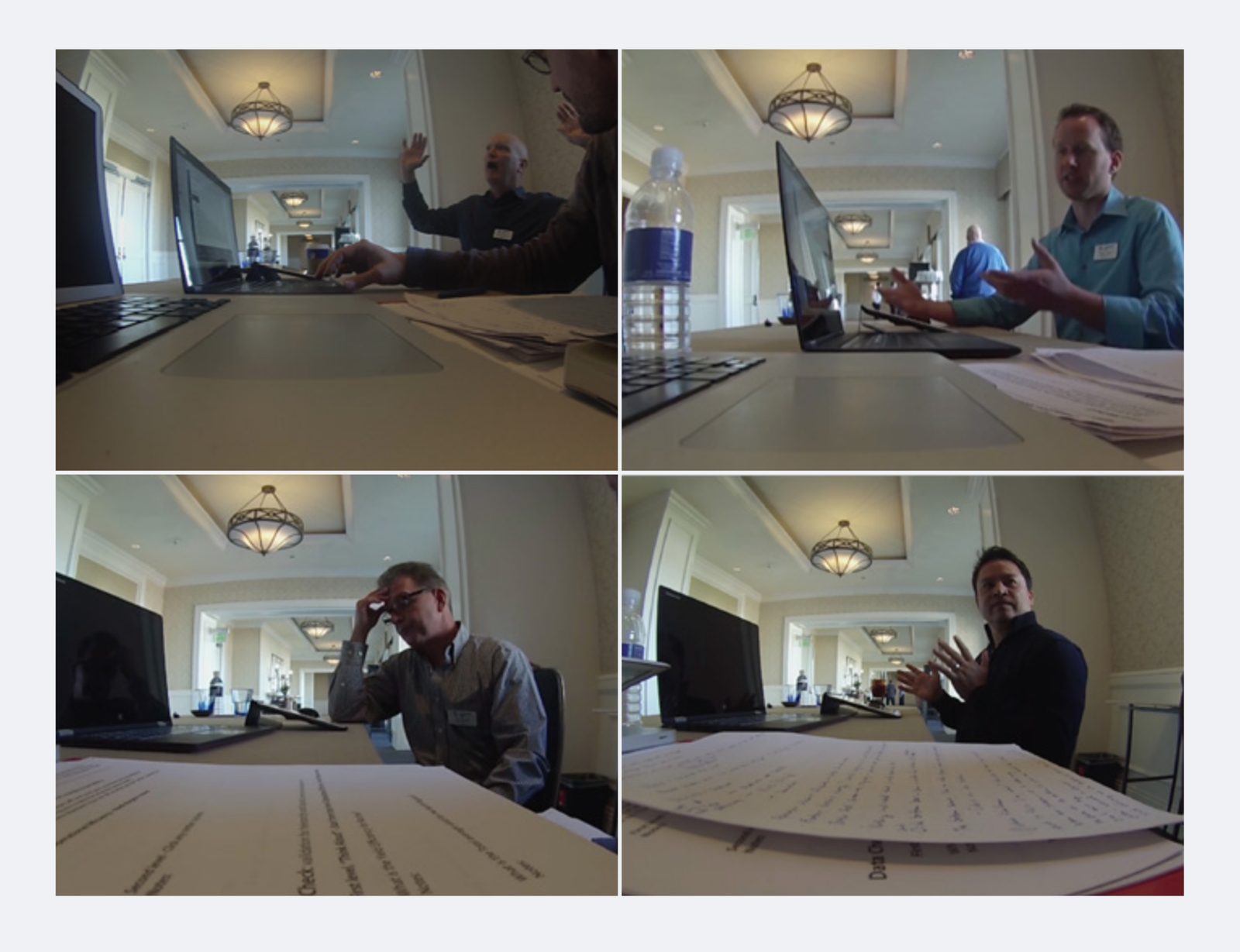
A gorilla usability test at a power-user conference
A prototype on live data
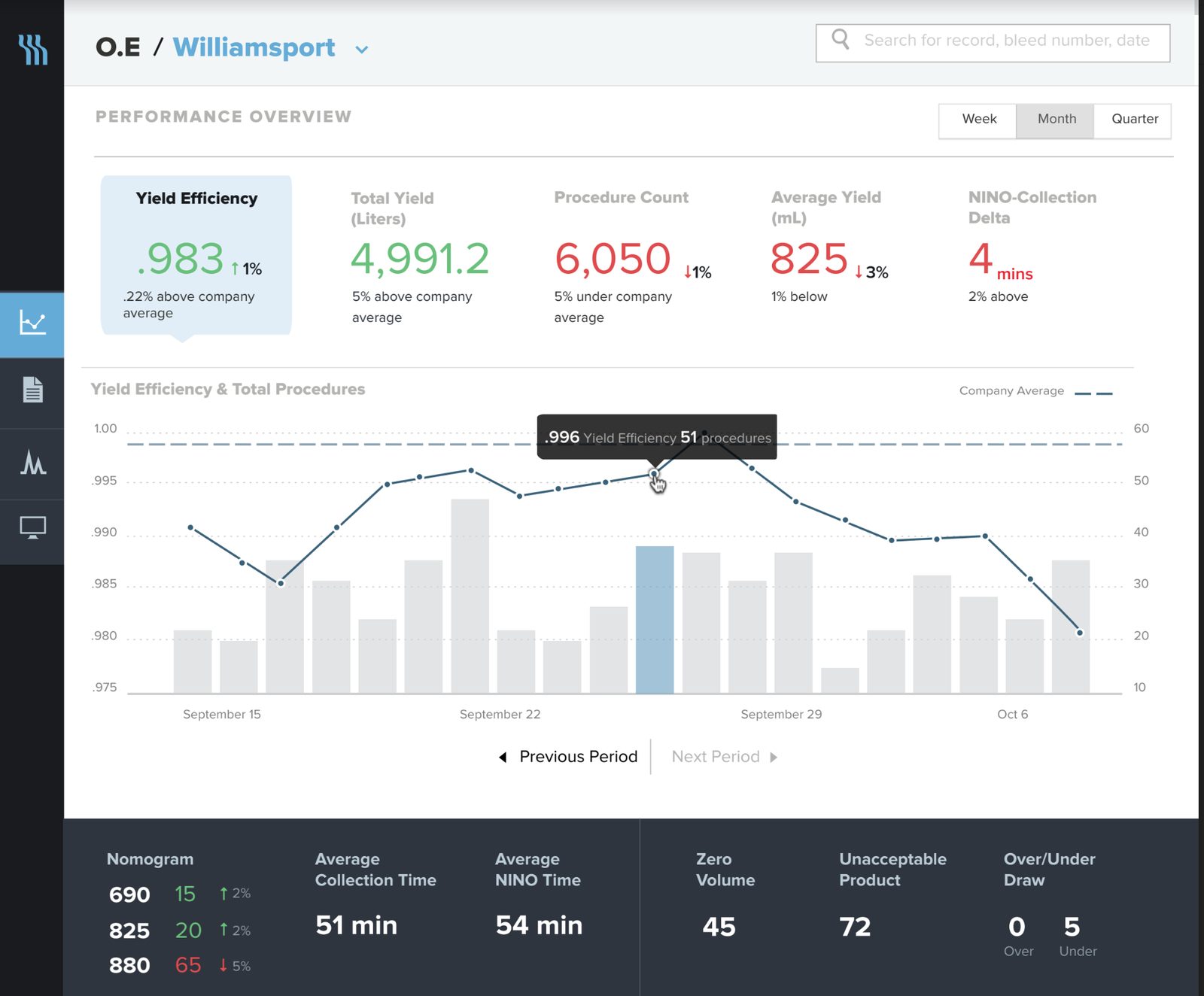
After Sketch and Figma prototypes we built a web prototype fed with live data in HTML, JavaScript and Node. Navigation, visualizations and visual design felt right. Time to put it to the test.
Getting data by any means necessary
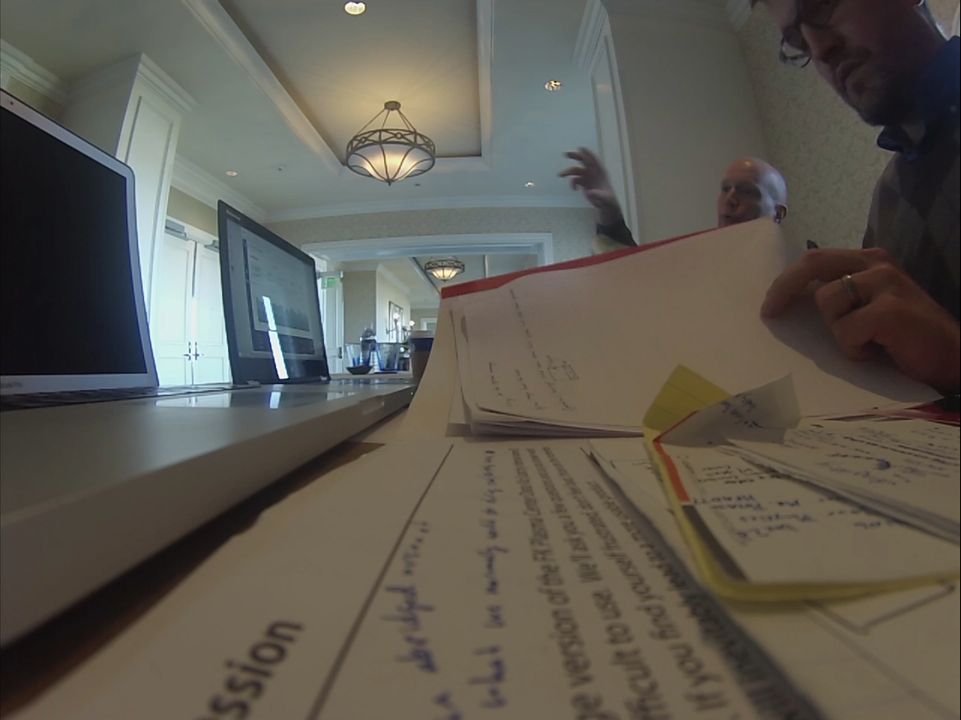
In the last weeks, schedules were too tight to coordinate sessions, but most of the power users were at one conference. I booked a ticket, set up a table outside their rooms, and management asked everyone to stop by. I recorded every session.
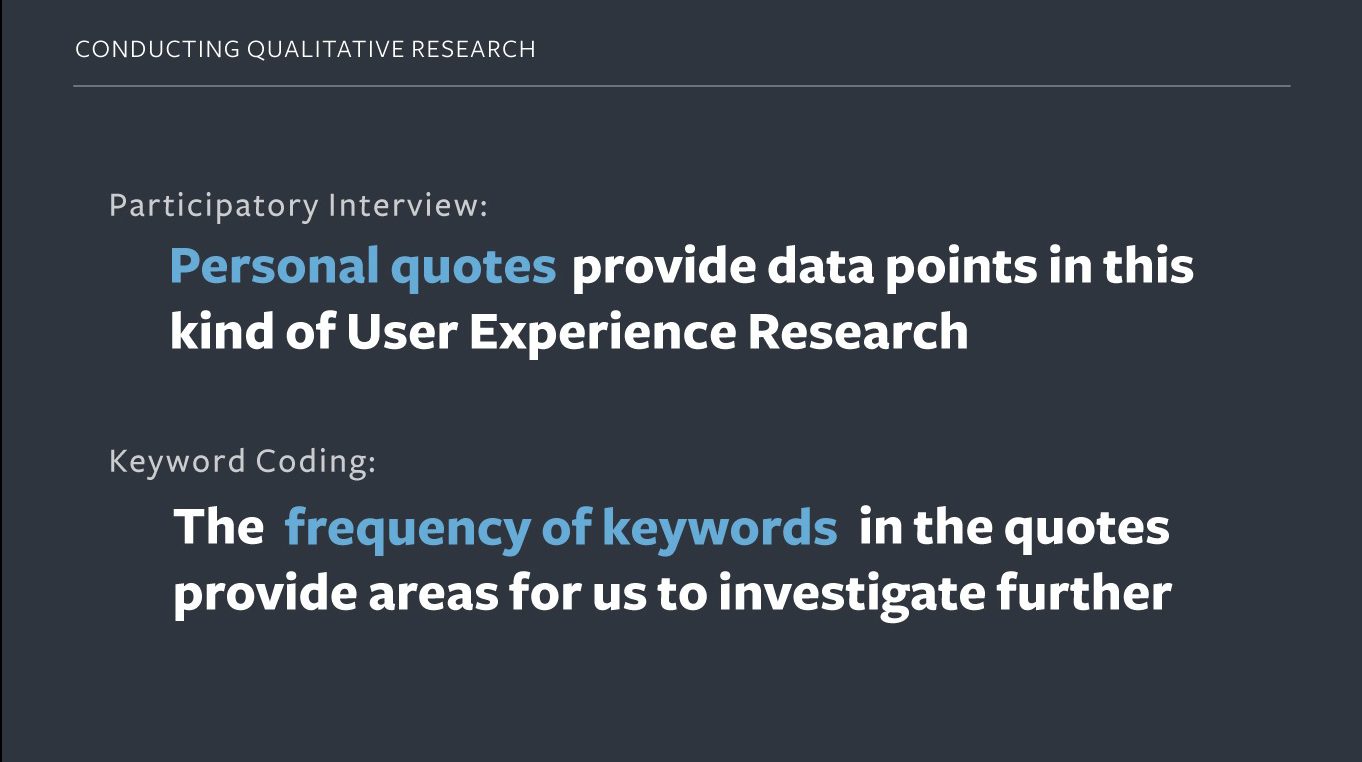
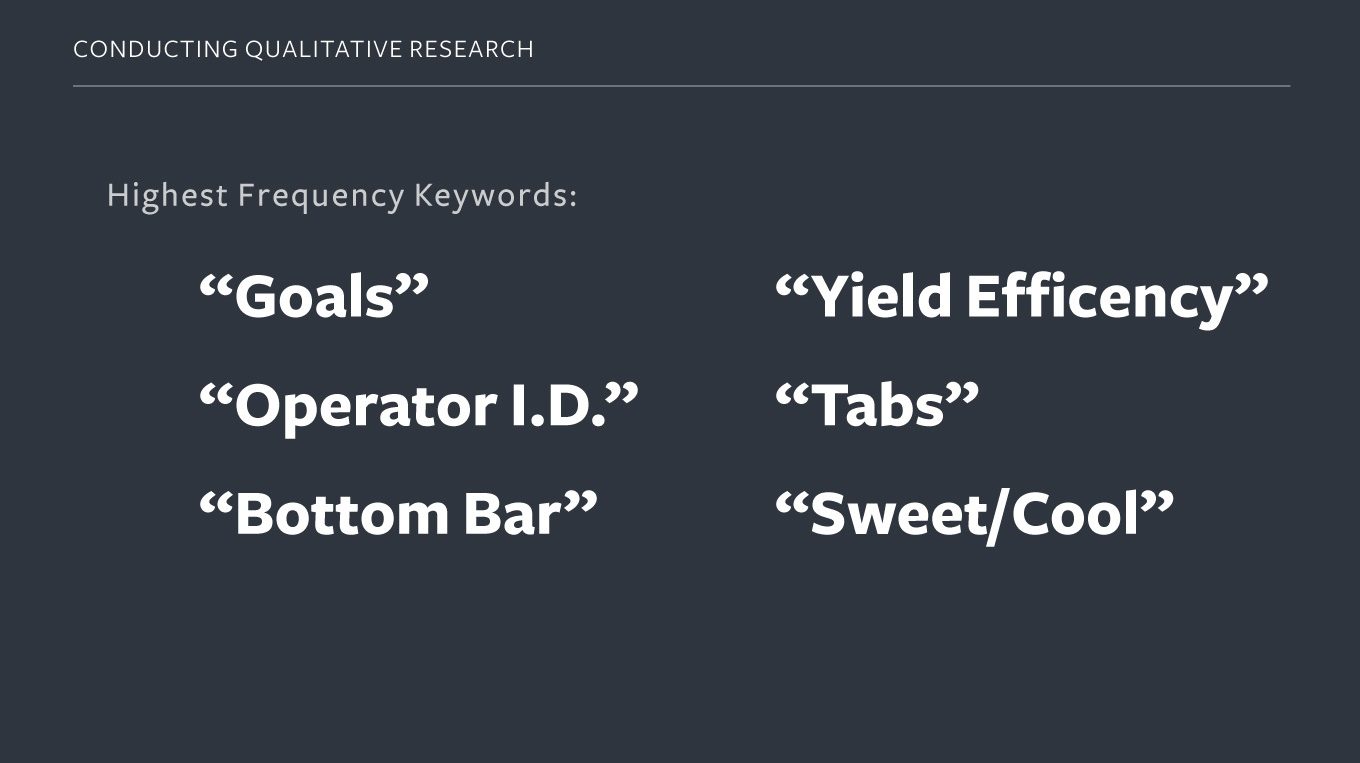
From the findings presentation: qualitative research, examples, and the design changes they drove.
What we heard
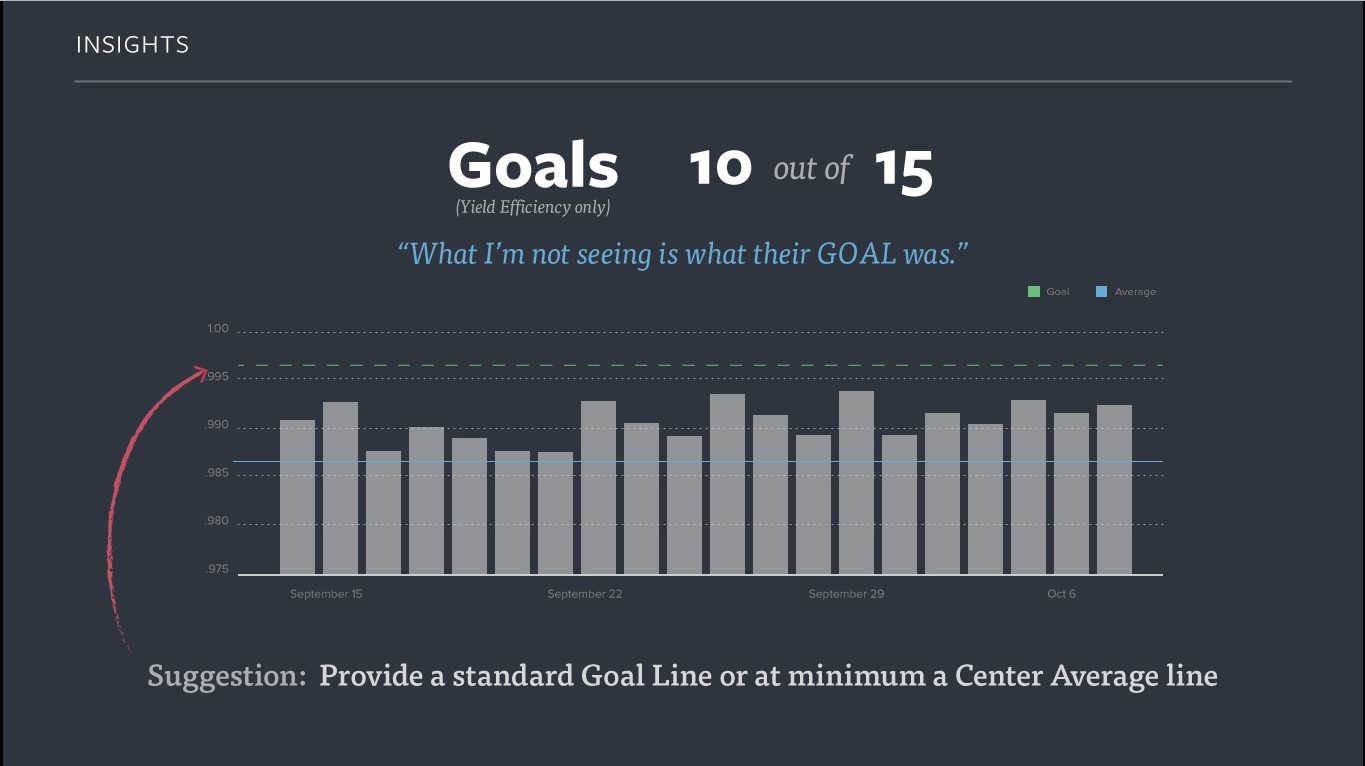
Users needed their goals visible in the UI. “Goals” was one of the highest-frequency keywords in the sessions.
What changed
We added a standard goal line to the charts, or at minimum a center-average line, so staff could see at a glance whether they were on target.
05 · Ship
Deployed and still in use
A wonderfully complex project that stretched all of my favorite muscles: